The hardware the AI runs on

A complete classroom,
built for the schools you have.

Every room gets a shared screen, devices for teachers and pupils with AI on board, its own classroom server and the power to run them, all managed from the centre and backed by teacher training.
Every room gets a shared screen, devices for teachers and pupils with AI on board, its own classroom server and the power to run them, all managed from the centre and backed by teacher training.
Interactive panel
The front of the class

Interactive panel

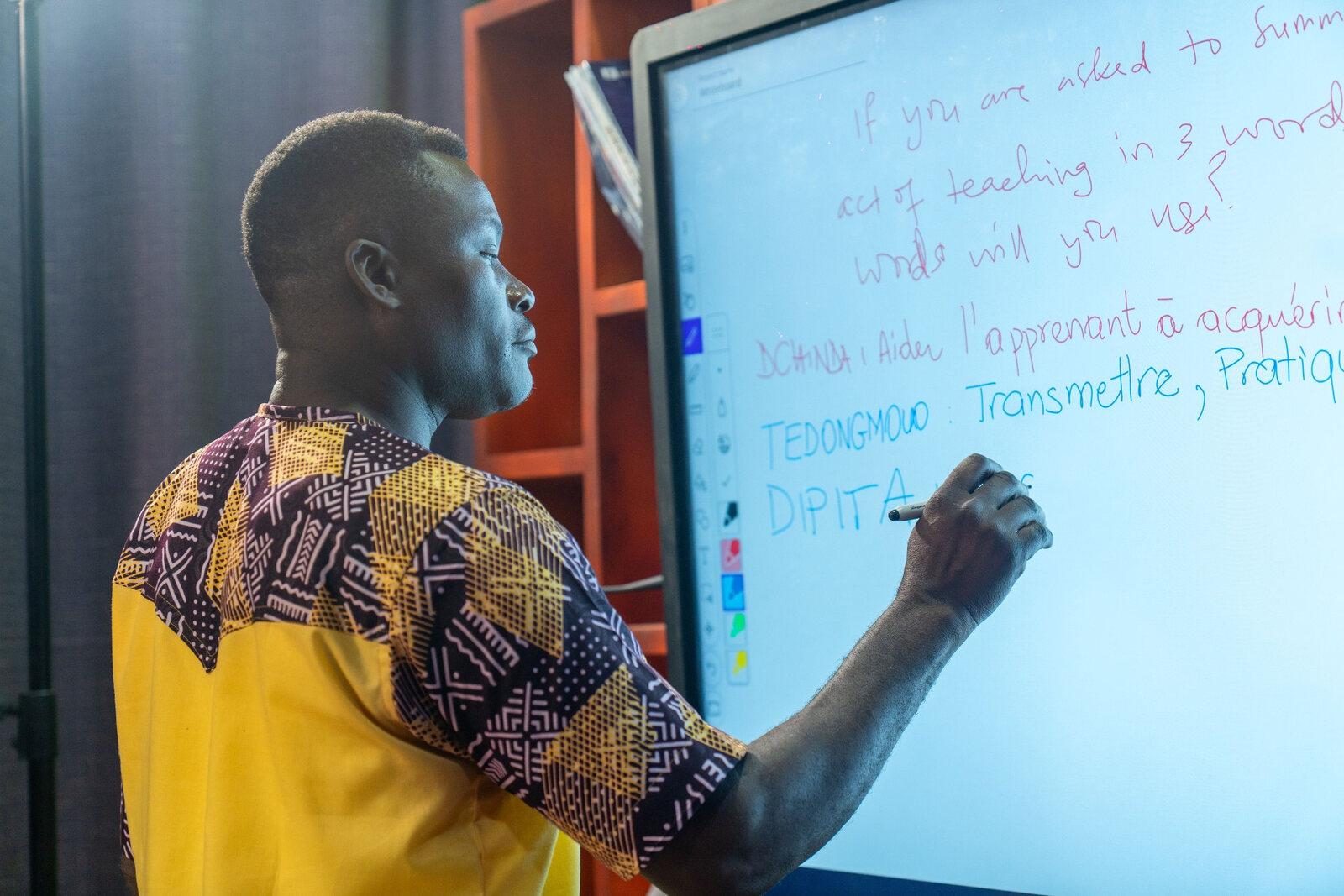
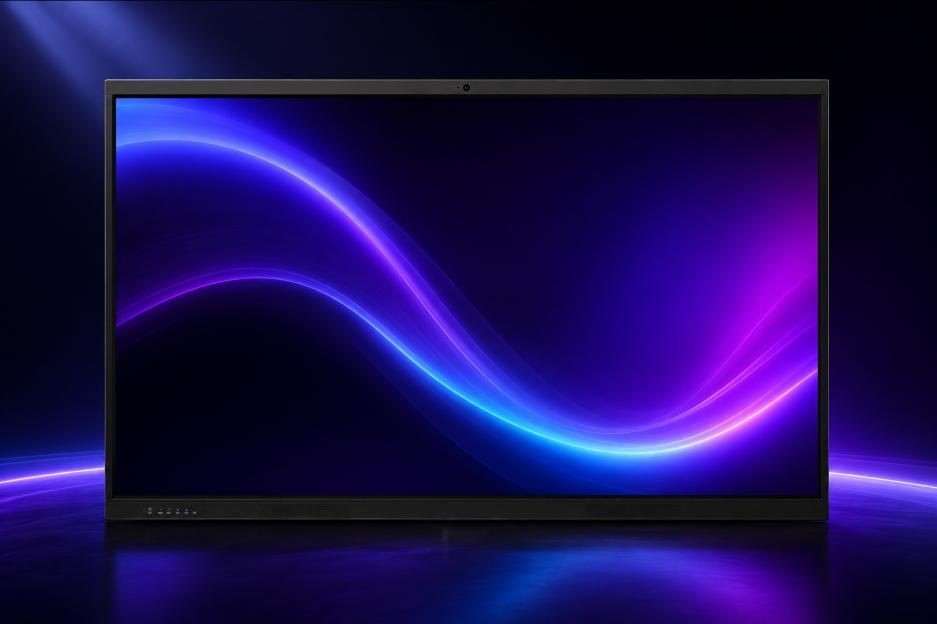
A large touch display where the whole class can see, write and take part. Leo XL runs on the panel itself, offline.

Specification
Display
4K UHD
Touch
Multi-touch, multi-pen
Built in
Android, no extra module
Hybrid lessons
Camera and microphone array
Connectivity
Wi-Fi, Bluetooth, HDMI, USB-C
The interactive classroom

Lessons become shared, visual and hands-on

Teachers
  • Present multimedia lessons on the panel
  • Run live activities, quizzes and discussion
  • Manage the class from the front of the room
Students
  • Join in at the board and on their own device
  • Get instant feedback on quizzes
  • Take materials home on the device
Teacher and student devices

Every device ships with its own built-in AI

Each model is built for its device and works offline. Leo on the mCloudDBX hub serves the whole room.

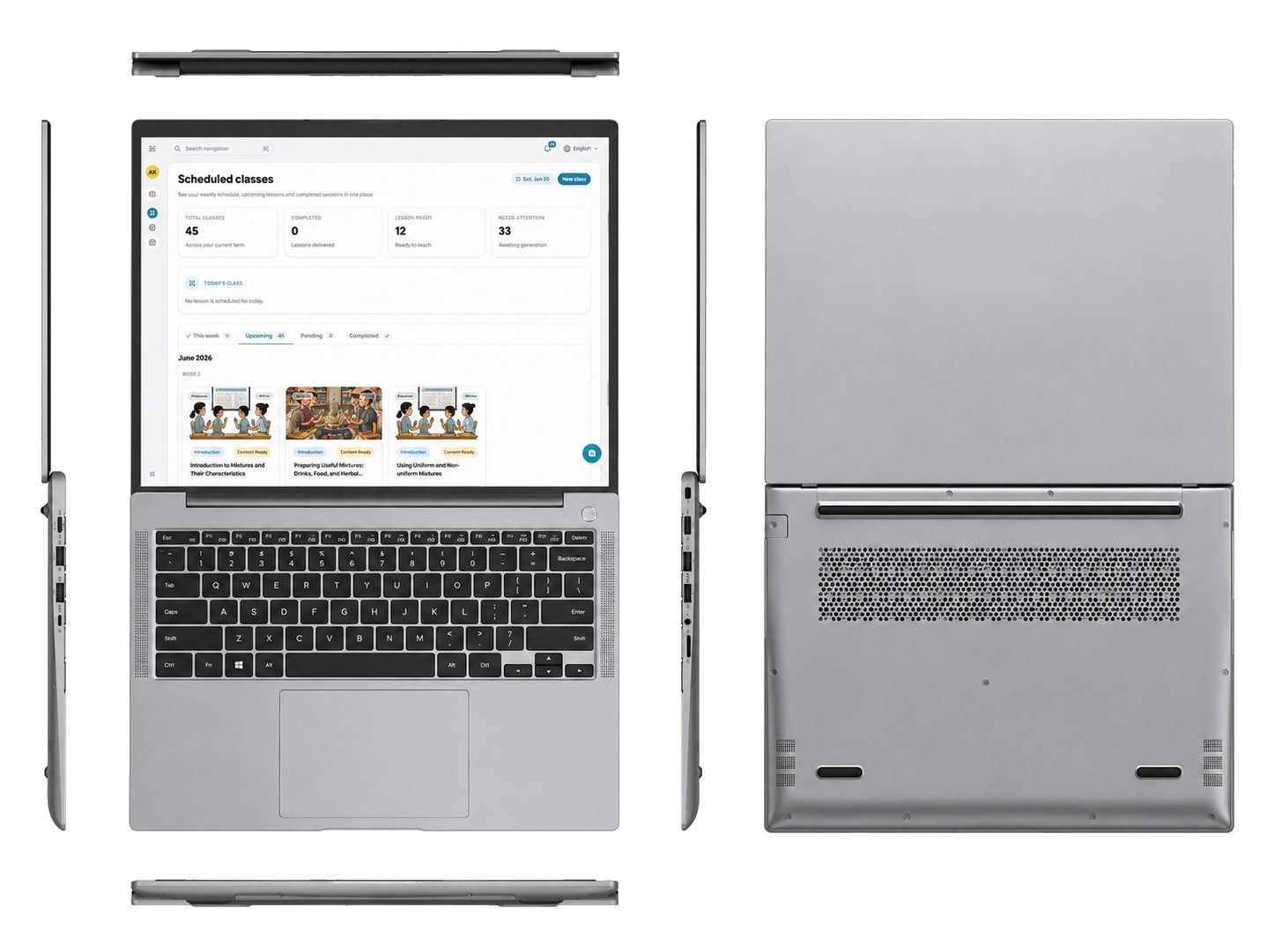
Teacher laptop

Teacher laptop

A laptop with an on-device AI chip. Plans, teaches and drives the panel.

Leo XLOffline

Term plans, richer lessons and feedback, with no connection.
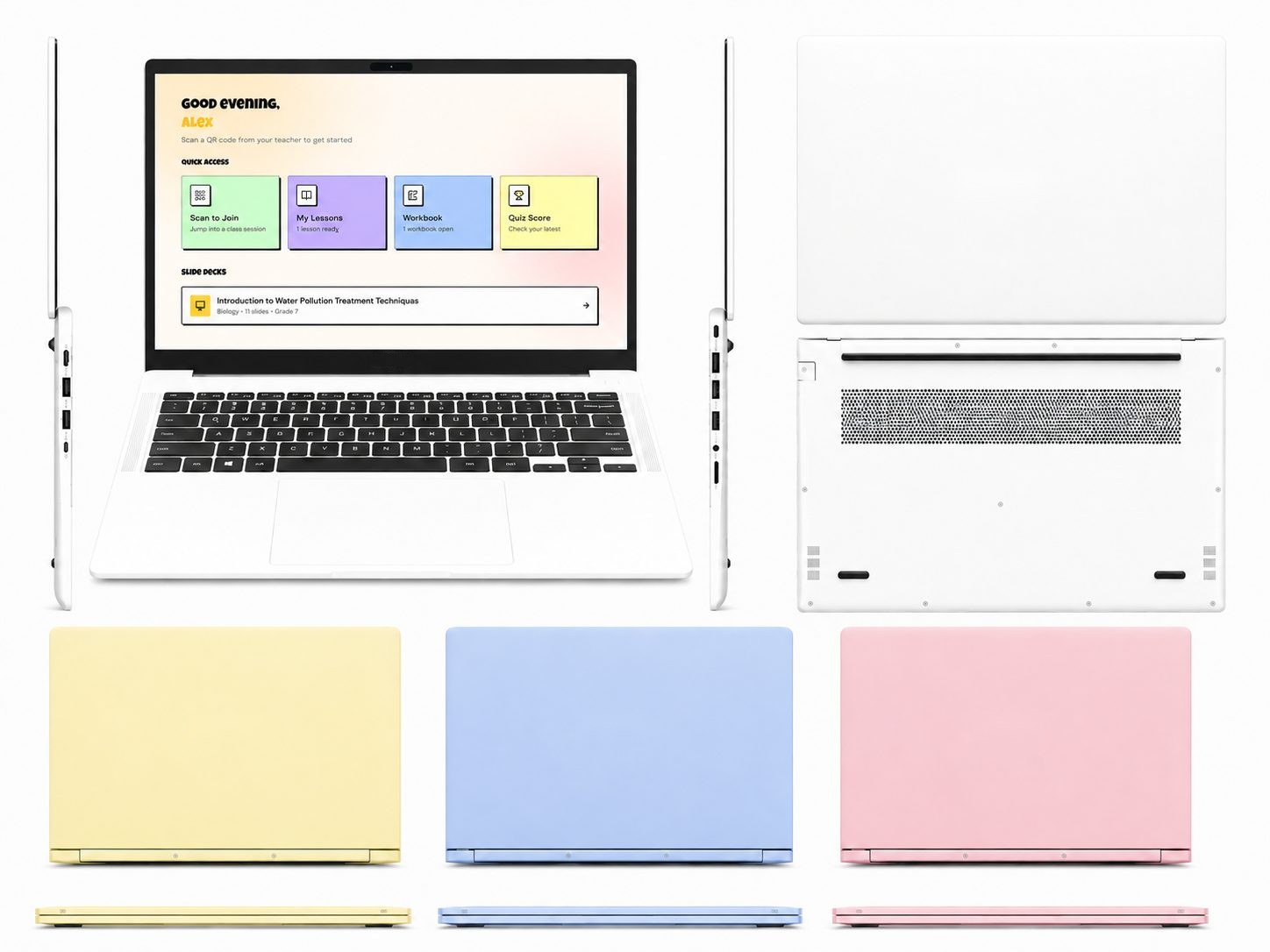
Student laptop

Student laptop

Light, durable and all-day. Built for school bags and shared classrooms.

CubOffline

Explains, quizzes and guides, with no signal at all.
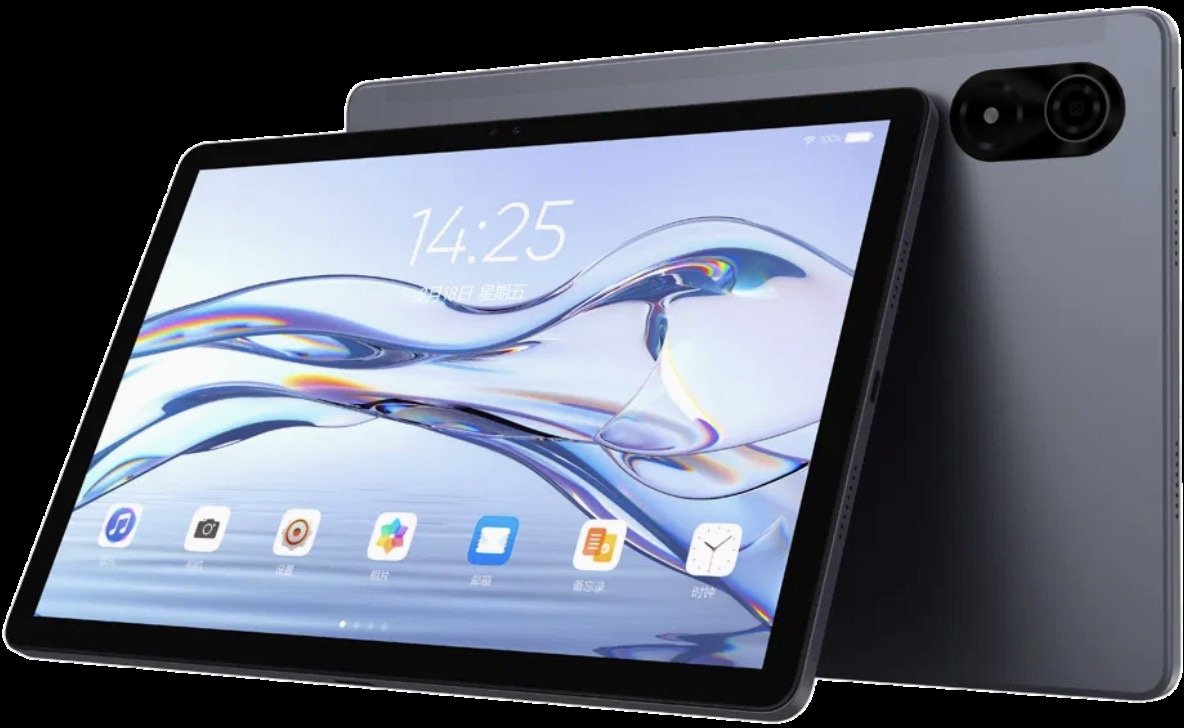
Student tablet

Student tablet

Full HD Android tablet with long battery life and an optional keyboard.

CubOffline

Help in class and at home, fully offline.
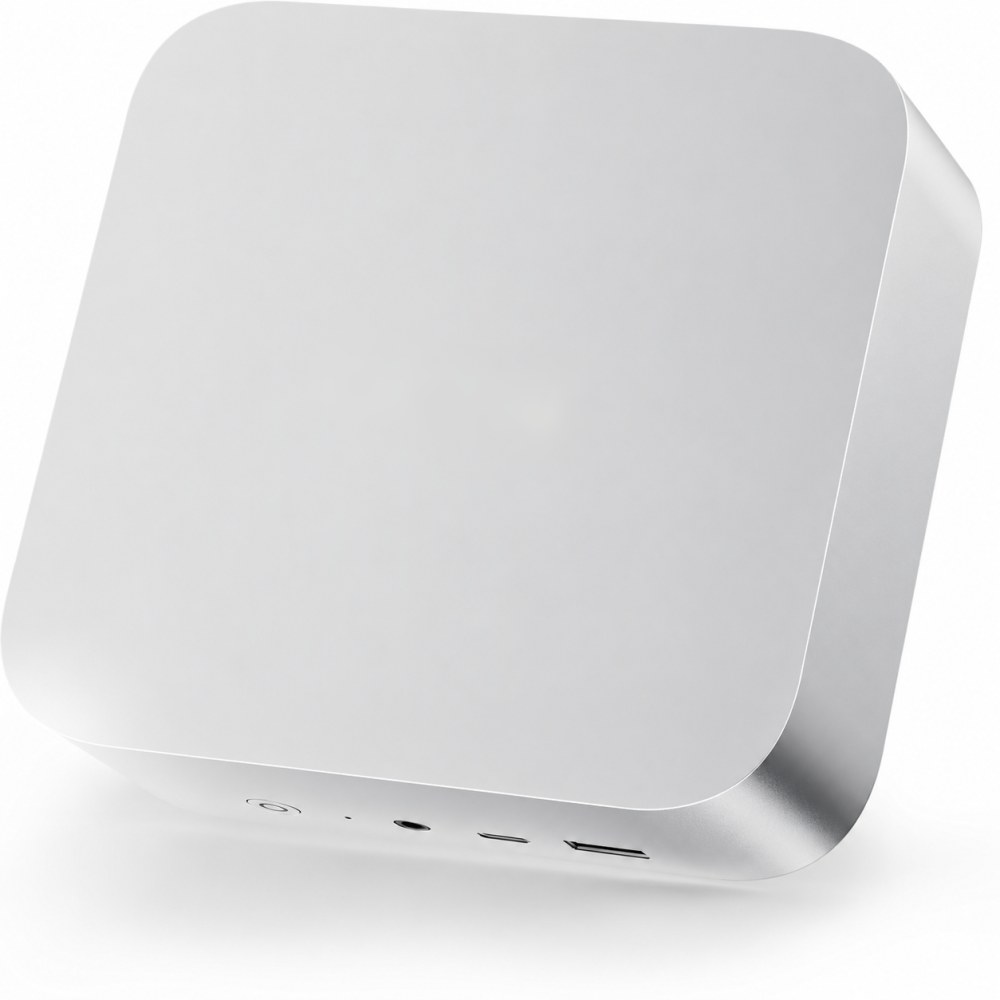
The school's own cloud, in a box
mCloudDBX classroom hub

The school's own cloud, in a box

One small hub serves every device in the school over its own Wi-Fi. Nothing needs installing: devices open everything in a browser.
  • Content library and live lessons: curriculum resources, video and STEM simulations, served to the panel and every device
  • Its own Wi-Fi, no installs: devices connect to the hub and open everything in a browser
  • AI on board: Leo runs on the hub itself, with no cloud account, and nothing leaves the building
  • Managed from the centre: content, software and updates pushed to every school, by network or USB
Solar power for schools the grid can't be trusted to reach
Reliable power

Solar power for schools the grid can't be trusted to reach

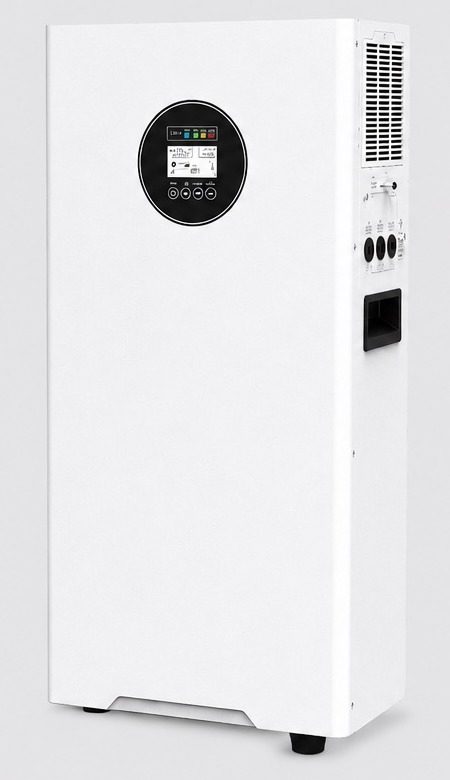
The NLB-6KW solar energy storage system keeps the panel, the hub and the classroom network running. Paired with a rooftop solar array and sized per site after survey.

NLB-6KW
Output
Pure sine wave, safe for classroom electronics
Storage
LiFePO4 batteries with a long service life
Charging
Dual MPPT solar charging
Modes
Fully off-grid or hybrid with the grid
Powers
Panel, hub and classroom network
Managed, trained, supported

Technology only sticks when people and systems are behind it

01

Teacher training

Master trainers, teacher certification and coaching after go-live.

02

Device management

Central control of every panel, hub and device: content, updates and remote support.

03

Dashboards

Visibility of use and performance, giving ministries data to plan with.

04

One support model

Design, installation, training and support from one accountable partner.
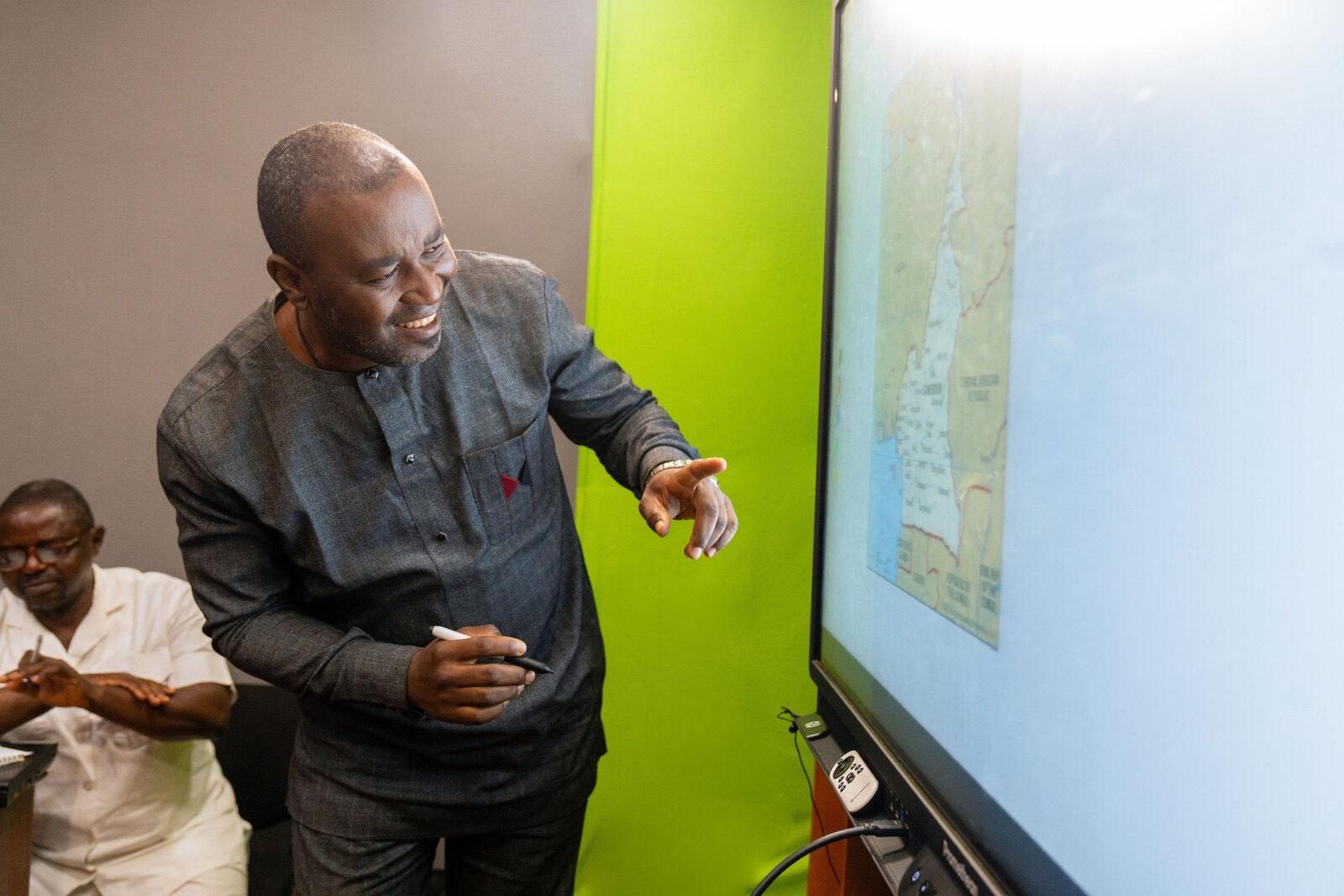
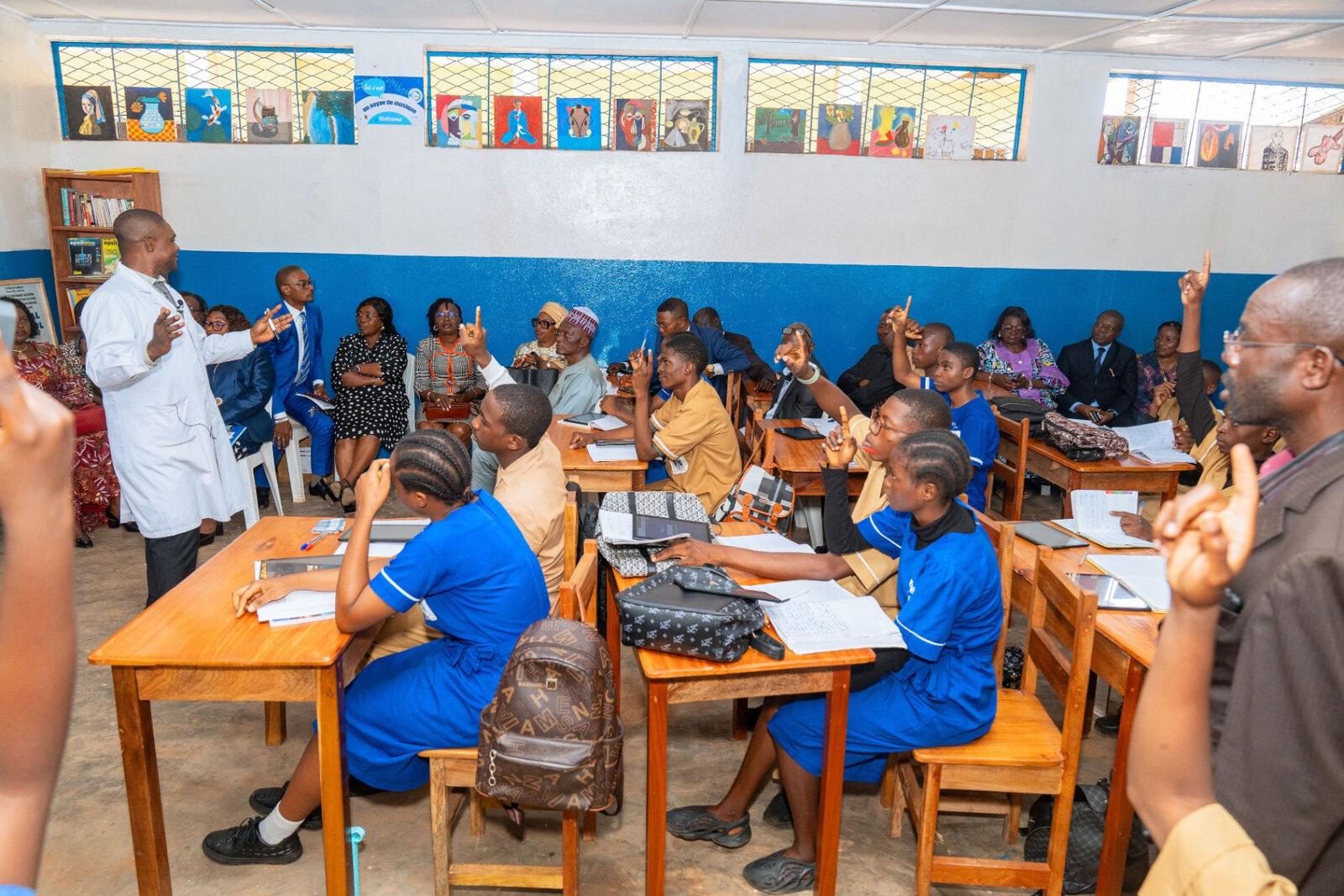
“The training always leaves with the teacher.” In Cameroon, certified master trainers lead adoption school by school.
In real classrooms

What it looks like on the ground

Geography on the panel
Writing and annotation at the board
Certified teachers and master trainers
Next steps

Three steps to a demonstration programme

Start with a conversation. Leave with a costed plan for real classrooms in your country.

  1. 01
    Scoping conversation

    Your priorities, school types and the equipment already in place.

  2. 02
    Site survey

    Power, connectivity and classroom conditions for a sample of schools.

  3. 03
    Demonstration proposal

    Classroom scope, timeline and a fully costed plan.